Built-in templates
Start with a strong foundation.
Each template knows the conventions of its kind of document. It carries the typography and structure, so a book reads like a book and a directory like a directory. The pages below are real output, compiled from each template's starter text.
Prose and publishing
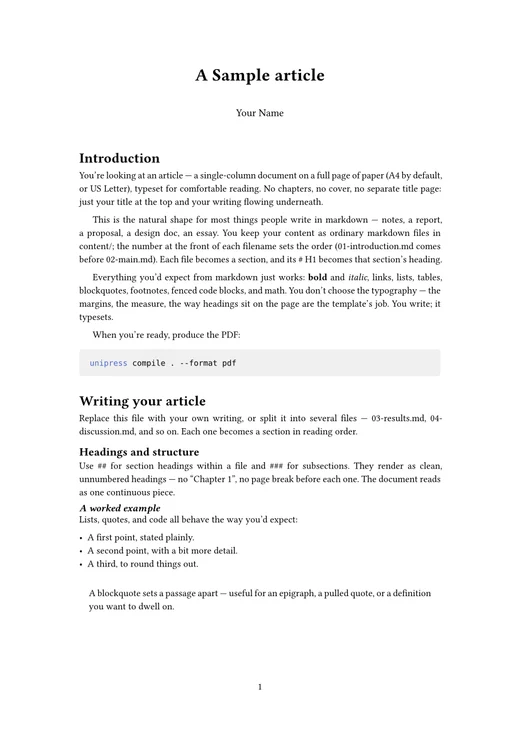
Article
A single-column paper in A4 or US Letter, with no chapters. The default for a loose folder of markdown.
PDFEPUBPaged.jsTypst
Guide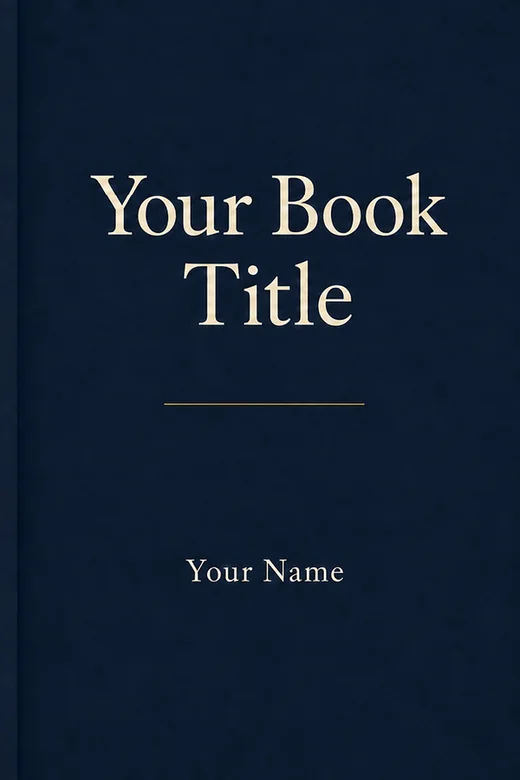
Book
A trade book for long-form prose: 6 × 9 inches, with chapters, a title page, a copyright page and a table of contents.
PDFEPUBPaged.jsTypst
Guide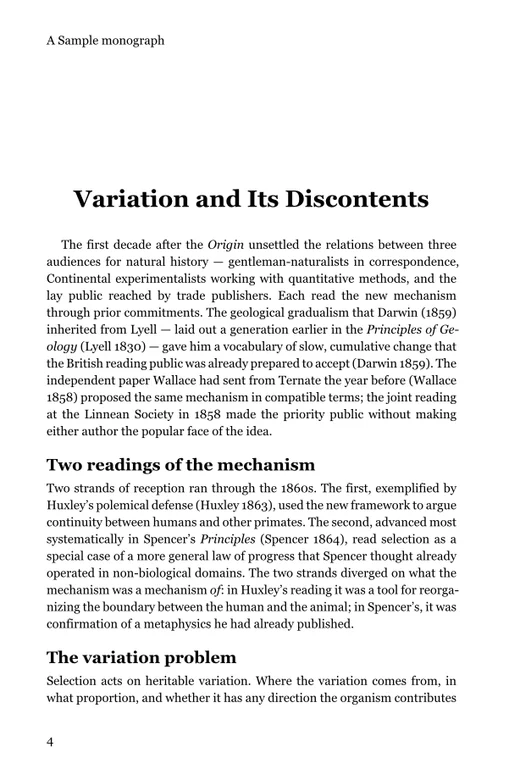
Monograph
For scholarly publishing: royal-octavo trim, classical typography, and citations and a bibliography in any of nine styles.
PDFEPUBPaged.jsTypst
Guide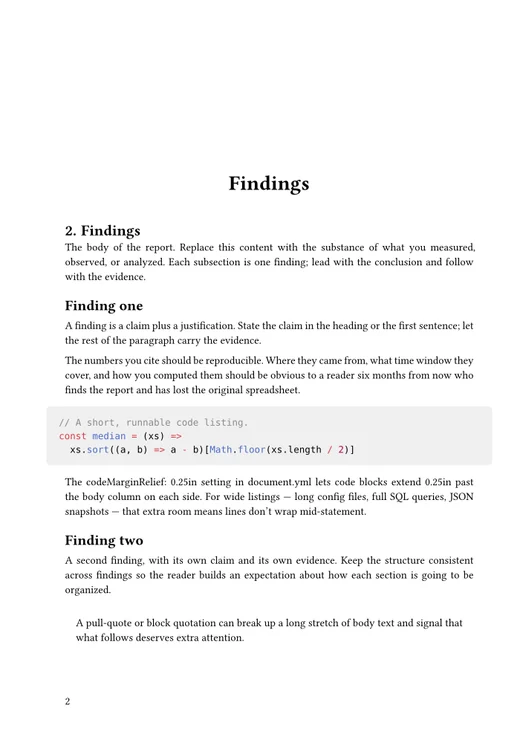
Report
A technical report on a wider 7 × 10 page, with block paragraphs and room for tables and code.
PDFEPUBPaged.jsTypst
GuideData and structured records
On the roadmap
CV
Resume
Thesis